
Create a New Account

Gold365 Registration – Create Your Account Easily

Creating an account on Gold365 is quick and straightforward. The registration process is designed so new users can sign up without confusion. By completing a simple form with a few details, you can create your account and start using the platform within minutes.

Once your account is set up, you can log in anytime and access your personal dashboard. From there you can manage your profile, review activity, and explore the features available on the platform.

Security is also an important part of the process. Choosing a strong password and keeping your login details private helps protect your account while allowing convenient access whenever needed.
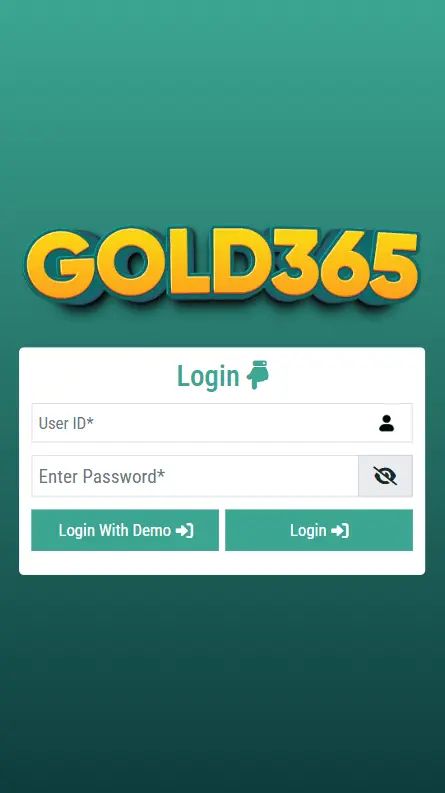
Gold365 Registration

How to Register an Account

Follow these simple steps to complete the registration process.

1

Visit the official website using your preferred browser.

2

Click the Register button available on the homepage.

3

Enter your basic details including name, email address, and phone number.

4

Create a secure username and password for your account.

5

Submit the form and your account will be ready to use.

Simple and User-Friendly Signup Process

The Gold365 signup form is designed to be simple and easy to complete. Only basic information is required, so users can create an account without spending too much time on the process.

Once the form is submitted successfully, your account becomes active. You can immediately sign in and begin exploring the platform.

Benefits of Creating an Account

Having an account gives users several advantages. You can manage your personal information, keep track of activity, and access features directly from your dashboard.

Everything is organized in one place, making navigation simple and efficient. Another benefit is convenience, as your preferences and details are stored so you do not need to enter them every time you visit the site.

Access your account easily from desktops, tablets, and smartphones.

Mobile Registration Experience

Many users prefer registering through their mobile devices. The website is optimized for smartphones and tablets, ensuring the registration form works smoothly on smaller screens.

To sign up using your phone, simply open the website in your mobile browser and complete the form.

The responsive design adjusts automatically, making registration quick and comfortable from anywhere.

Tips for a Secure Account

Follow these simple practices to keep your account protected.

Use a strong password that includes letters, numbers, and symbols.

Do not share your login details with anyone.

Log out when using a shared or public device.

Update your password occasionally for better protection.

Following these steps helps maintain a secure and reliable experience.

Frequently Asked Questions

Find answers to common questions about creating and managing your account.

How do I create an account? +
Creating an account is simple. Visit the website, click the register button, and enter your details such as name, email, and phone number. Once the form is submitted, your account will be ready to use.
What information is required during registration? +
You only need basic information such as your name, email address, phone number, and a secure password to complete the signup process.
How long does the registration process take? +
The registration process usually takes just a few minutes. After submitting the form, your account becomes active immediately.
Can I register using my mobile phone? +
Yes, the website is optimized for mobile devices, allowing you to easily complete the signup form using your smartphone or tablet.
What should I do if I forget my password? +
If you forget your password, simply use the password recovery option on the login page and follow the instructions to reset it.
Can I access my account from different devices? +
Yes, you can log in from desktops, laptops, tablets, or smartphones using your username and password.